Five signs your website is costing you leads
A website can look fine and still quietly turn customers away. Here are five common problems, how to spot each one in a few minutes, and what to do about them.
Most small business websites don’t fail loudly. They look fine to the owner, the phone still rings sometimes, and nobody complains. Meanwhile, some visitors leave without calling, and you never hear about them.
Here are five common signs your website is losing you customers, how to check each one yourself in a few minutes, and what to do about it.
Want a shortcut? The free 504 Sites website audit runs Google’s speed test and checks your homepage for several of these problems in about a minute, then emails you a plain-English report.
1. It’s slow on a phone
Most people looking for a local business are on their phone, often on a mobile connection. If your site takes several seconds to show anything, many of them will tap back and choose the next result.
How to check: Go to pagespeed.web.dev, enter your address and look at the Mobile score. Then open your site on your own phone, away from your office Wi-Fi.
The usual fixes: smaller images, fewer plugins and third-party scripts, and a lighter theme. We wrote about how we got our own site to a perfect score in How we got a perfect 100 on Google PageSpeed.
2. It’s hard to call you from a phone
A visitor who’s ready to call shouldn’t have to hunt for your number, copy it and paste it into their phone.
How to check: Open your site on a phone. Can you call with one tap from every page, without scrolling or zooming?
The fix: a tap-to-call button that’s always visible on mobile, and your phone number set up as a tappable link everywhere it appears.
3. It doesn’t answer “how much?” or “can you help me?”
Visitors come with a few questions: do you do what I need, do you serve my area, roughly what does it cost, and how do I get started? If the site makes them dig, or doesn’t answer at all, many will try a competitor whose site does.
How to check: Ask a friend to find, in under a minute, what you do, where you work and how to get a quote.
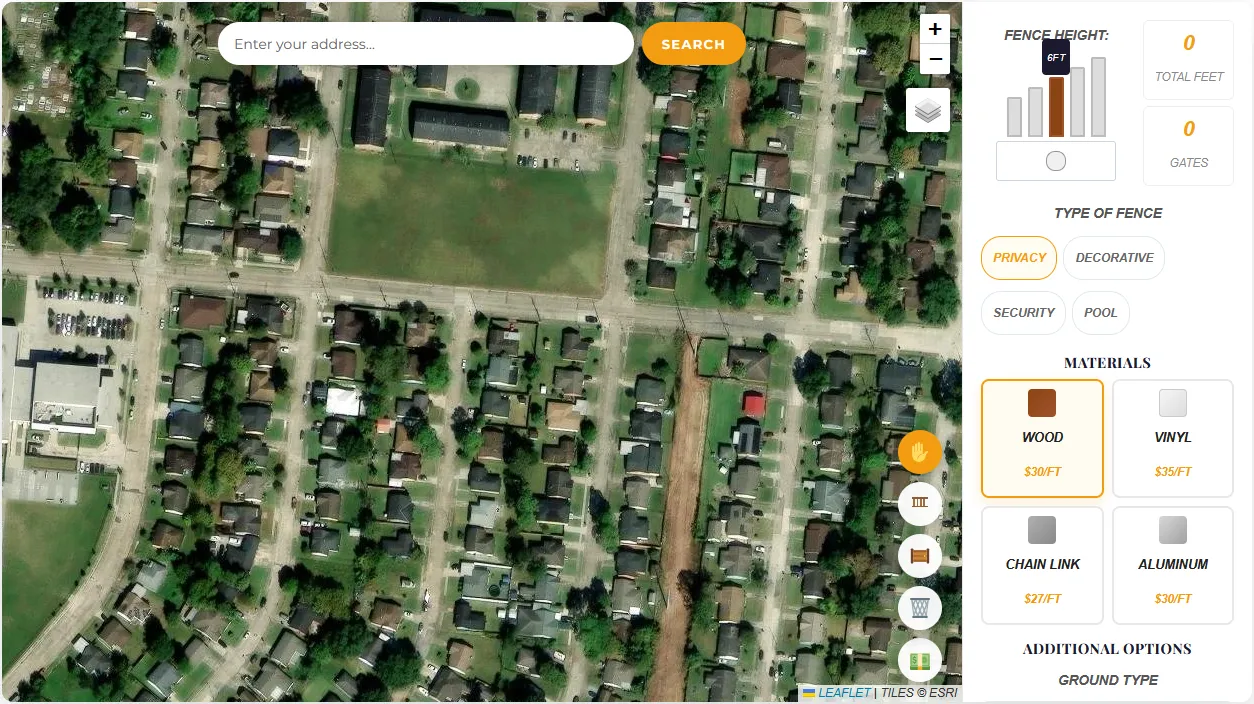
The fix: clear service pages, your service area spelled out, starting prices or ranges where you can, and an obvious next step on every page. For some businesses, an instant quote tool can answer the price question on the spot.
4. Your contact form goes nowhere
It happens more often than you’d think. A form was set up years ago, the email address behind it changed, or the messages are landing in a spam folder. Every inquiry it receives is lost.
How to check: Send yourself a test inquiry through your own website today, and make sure it arrives in the inbox someone actually reads.
The fix: send form submissions to a monitored inbox, add an automatic confirmation for the customer, and test the form every few months.
5. Google doesn’t understand what you do, or where
If your site doesn’t clearly say what you offer and where, it’s harder for Google to show it to people searching nearby.
How to check: Search for your main service plus your city, like “fence installation Metairie,” and see whether you appear. Then check your Google Business Profile and make sure it matches your website.
The fix: a page for each main service that names the areas you serve, clear page titles and descriptions, and a complete Google Business Profile with reviews.
Where to start
You don’t need to fix everything at once. Run the five checks above, or the free audit for a quick scored report, then start with whichever problem is most obviously costing you calls. For most businesses, that’s speed and tap-to-call on mobile.
Small business website not pulling its weight? Our sister service 504 Sites builds fast, mobile-friendly websites for local businesses on a simple monthly plan. If you need something more custom, like a quote tool or customer portal, tell us about it.