Custom software or off-the-shelf? Six signs you’ve outgrown your tools
Most businesses should start with off-the-shelf software. Here's how to tell when it has started costing you more than it saves, and what to do about it.
Most businesses should start with off-the-shelf software. A point-of-sale system, an accounting package, a scheduling app: these tools are cheap, proven and ready today. Building your own version of any of them on day one is usually a mistake.
But businesses change, and the tools that fit at ten customers a week don’t always fit at a hundred. The trouble is that outgrowing software rarely happens all at once. It shows up as small workarounds that pile up until a lot of your team’s week goes into keeping the tools running instead of running the business.
Here are the signs we look for, and what to do when you spot them.
1. There’s a spreadsheet running alongside the system
This is the most common sign. The official system handles most of the job, and a spreadsheet, a whiteboard or one person’s memory handles the rest. Maybe it’s a list of which store has which stock, or a sheet of special pricing, or the “real” schedule.
Spreadsheets aren’t bad. But when a business decision depends on one, it’s worth asking why the system can’t hold that information, and what happens when the spreadsheet is out of date or its owner is on vacation.
2. People copy the same data between tools every day
Orders come in through one system and get typed into another. Customer details live in the CRM and again in the invoicing tool. Every copy is time spent, and every copy is a chance for a typo that turns into a wrong shipment or a missed follow-up.
When two systems both have an API, and most modern ones do, that copying can usually be automated. A small integration that syncs the data on its own often pays for itself faster than a full custom build.
3. Your most important decisions happen outside the software
Some decisions are what set your business apart: which location fills an order, how a job gets priced, which leads get a call first. If your tools can’t make those decisions, your team makes them by hand, and the results depend on who’s working that day.
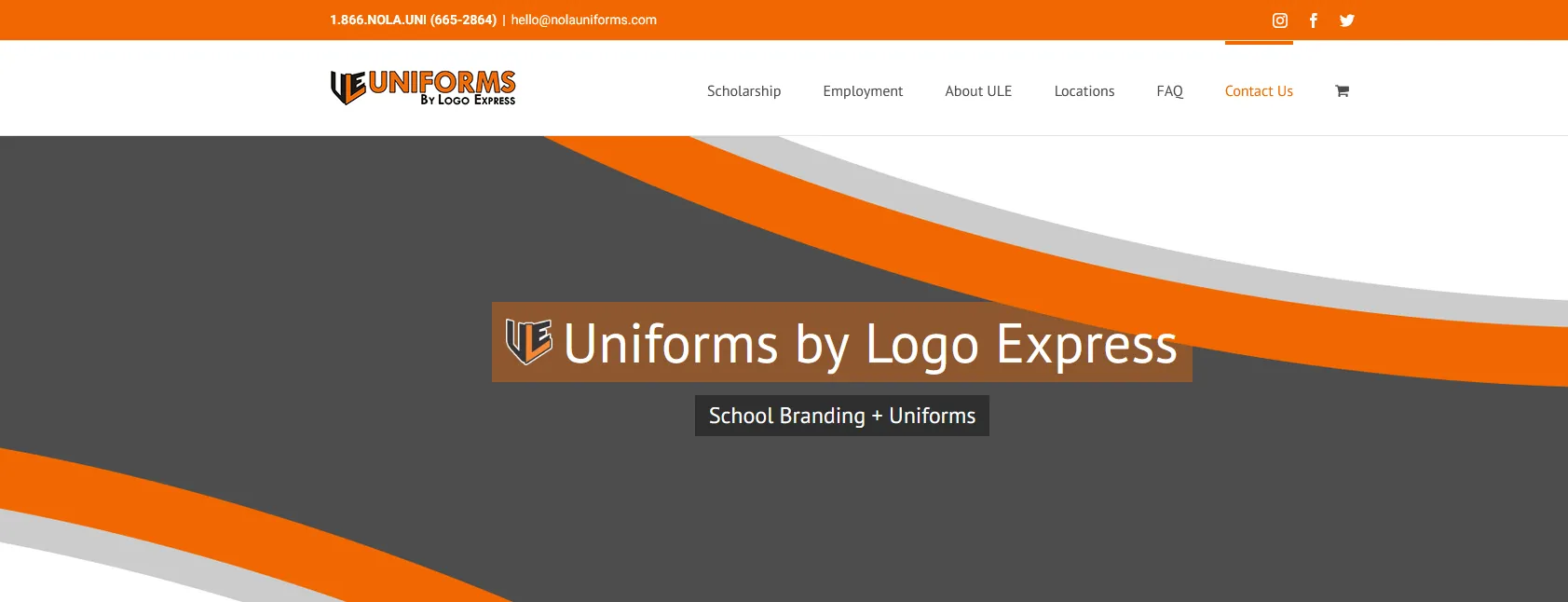
That was the situation for a Louisiana uniform retailer we worked with. Orders came in through Revel POS at several stores, but staff had to work out by hand which location should fill each order and when stock should move between stores. We built a platform that syncs with Revel and applies consistent routing rules, so those decisions no longer depend on one person’s judgment. (Read the case study.)
4. Customers wait on you for answers software could give
If customers regularly call or email for something a tool could tell them, like a price, an availability window or an order status, that’s time lost on both sides. And some of those customers simply go to a competitor who answers faster.
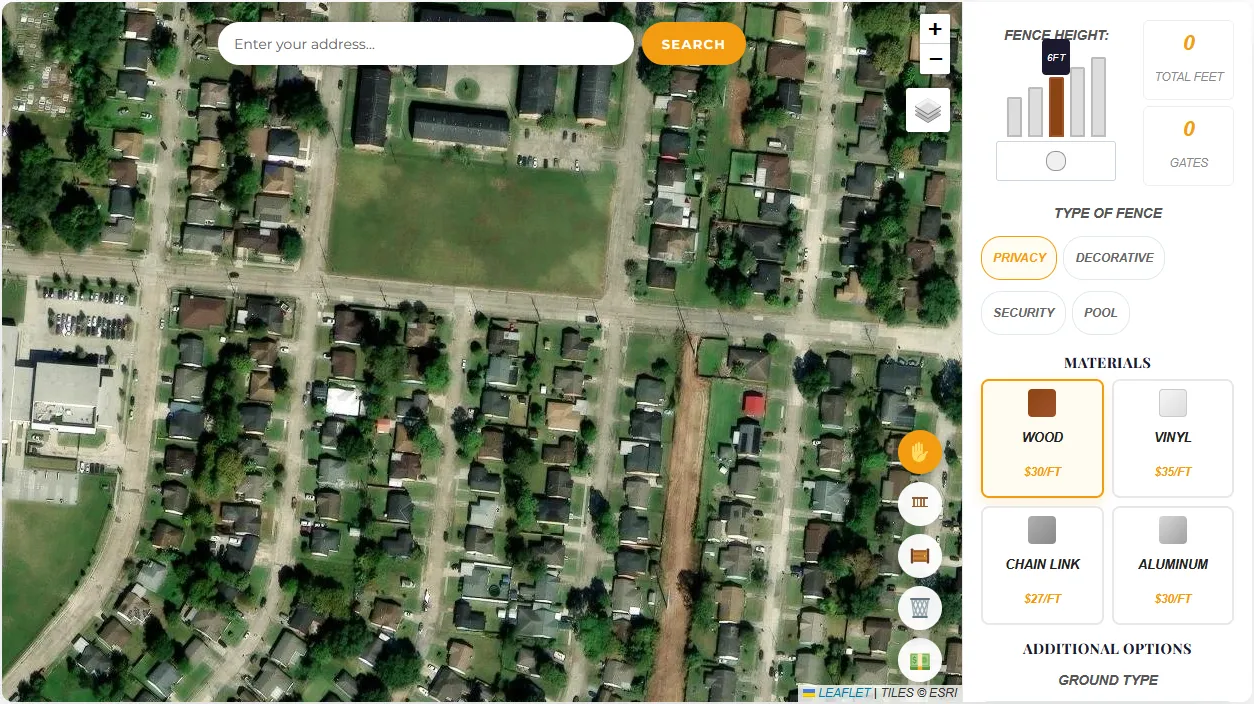
A fence contractor we built for used to start every quote with a site visit. MapFence Estimator now lets homeowners draw their fence on a satellite map and see a price in minutes, so the contractor’s time goes to leads who have already seen a number. (Read the case study.)
5. You’re paying for features you don’t use to get the one you need
Software sold to everyone has to serve everyone. Sometimes the only way to get the one feature you need is a higher tier full of features you’ll never touch, priced per user, forever. At some point the yearly cost of that tier is worth comparing with a tool built for exactly what you do.
6. The vendor’s roadmap decides how you work
If you’ve changed a process because the software couldn’t handle the way you wanted to work, the tool is running the business rather than the other way around. That’s fine for tasks that don’t set you apart. It’s a problem when it touches the parts of your business customers choose you for.
When off-the-shelf is still the right call
Custom software isn’t the answer to every one of these signs. Before building anything, it’s worth checking:
- Can you configure your way out? Many tools can do more than teams realize. A few hours with a vendor’s support team or a consultant is cheaper than a build.
- Would an integration be enough? Connecting two good tools often solves the copying and the double entry without replacing either one.
- Is the process stable? If the way you work is still changing month to month, a custom tool will have to change with it. Sometimes it’s better to let a process settle first.
We tell clients this directly. If an off-the-shelf tool or a small integration will do the job, that’s usually the better deal.
What a custom build looks like
When custom software is the right answer, it doesn’t have to be a big, risky project. The approach we use:
- Map how the work actually flows today: who touches what, where the data comes from, where time is lost.
- Agree on a clear scope and estimate before any code is written.
- Build in short cycles and put working software in front of you early, so you can steer as it takes shape.
- Launch, train your team and keep improving it as the business grows.
Often the best first project is small: one integration, one internal tool or one customer-facing feature that removes the biggest workaround. It proves the value before you commit to more.
Recognize a few of these signs? Tell us what’s slowing your team down. We’ll give you an honest answer on whether custom software, an integration or a better-configured off-the-shelf tool is the right fix.